
INSIGHTS / BRAVELY PROJECT
Apartment Website: From Unit Selection to Viewing Schedule
READ WHAT MATTERS TO YOU
Where would you like to start?
Apartment and viewing websites need to link unit choices to more specific visiting needs. Visitors can search for private residential, rental, or other uses that have different questions about the tower, layout, facilities, and costs. If all the information is mixed in one gallery, the admin must repeat the basic explanation before being able to set the schedule. A clear structure helps readers compare options, understand applicable terms, and submit viewing requests without assuming units or schedules are confirmed.
Separate needs for apartment websites and viewing
Starting from the visitor's goals because the information needed is not always the same. Prospective residents pay attention to the layout and routine, renters check duration and conditions, while buyers for other uses need to understand the factual offer limits. Don't equate all goals with a message of financial gain.
As a hypothetical example, a worker is looking for a unit near the office area, while a family needs separation of space and access to facilities. Both can see the same tower but require different details. Websites can provide category paths without forcing visitors to provide personal information that is not yet required.
Google directs publishers to assess whether the content provides an adequate answer to the reader's objectives. In an apartment catalog, that means helping assess the suitability of the unit and preparing questions, rather than simply repeating the location's attractions in too many sections. Look Creating helpful, reliable, people-first content from Google Search Central.
Define core information that applies to all visitors, then add custom conditions by transaction. The difference between buying and renting needs to be clearly visible so that the numbers, status or contact button do not create wrong expectations before the admin accepts the request.
Arrange towers, types and unit plans as connected data
Use a structure that differentiates projects, towers, types and units when data is available. The same type name may have different conditions according to the tower or offering version. Clear relationships help readers understand what is being compared and prevent admins from accepting unrecognizable choices.
In a hypothetical example, two one-bedroom units have different spatial arrangements. Floor plans, areas, and spatial descriptions help readers see the differences. If orientation or flooring is part of the offering, display only information that has been approved and can be maintained.
| Information level | Helpful content | Source of inspection |
|---|---|---|
| Tower | Location within the area and access to facilities. | Applicable project documents. |
| Type | Plan, area and division of space. | Approved product catalogue. |
| Units | Conditions and status when published. | Inventory or sales team. |
Don't use posters as the only source of data. Present text that can be read and compared on mobile. Floor plans and naming need to be consistent across galleries, downloads, forms, and initial messages so that visitor choices don't change when switching channels.
Describe facilities and access based on real conditions
Separate in-unit facilities, tower facilities, and area facilities. Information such as a pool, work space or parking must comply with applicable access and regulations. The existence of facilities does not always mean that all users have unlimited use or no additional costs.
As a hypothetical example, shared work areas are available on certain towers with operational rules. The page needs to explain how the facility relates to the unit choice and how to confirm its terms. Don't present photos of facilities from other parts of the area without context that helps readers.
Transportation access can be shown via maps and explanations of relevant routes. Avoid assuming travel times are always the same or stating that all daily needs can be reached without checking. Specific information helps visitors plan their viewing and check the suitability of their own routine.
Assign facility update owners when there are renovations or changes in hours. The correct information at the time of shooting may change later. Websites need to follow operational resources so that campaign materials do not continue to highlight facilities that are temporarily unavailable or have new provisions.
Check whether the unit's completeness status is part of the data that needs to be displayed. As a hypothetical example, two units of the same type could be offered with different furniture conditions. Catalogs need to explain relevant differences without relying on photos alone. Use terms the offer owner agrees with and leave room for confirmation when inventory may change. This information helps visitors choose the right unit to discuss when viewing.
Include costs and official terms and conditions with the scope
Transaction costs and recurring costs have different functions in decisions. If published, explain the applicable components, basis of the offer, and confirmation requirements. Do not display one figure as if it covers all obligations when official documents state other components.
In a hypothetical example, the reference rental price does not include certain components according to the owner's provisions. The page needs to direct the reader to the applicable details, not just highlight the initial numbers. For purchases, payment information follows authorized offers and must not be fabricated by the author.
Service fees, utilities, deposits or facility terms need to follow the transaction model and available data. If details cannot yet be made public, explain that they are discussed in the official offer. Honesty about the need for confirmation is more helpful than an unsourced list of numbers.
Check all offer points when conditions change. Catalogs, PDFs, ads, and admin replies may store different versions. Use update logs to let the team know when materials need to be replaced and how to respond to visitors who bring in information from previous versions.
Select a photo that matches the unit and its display status
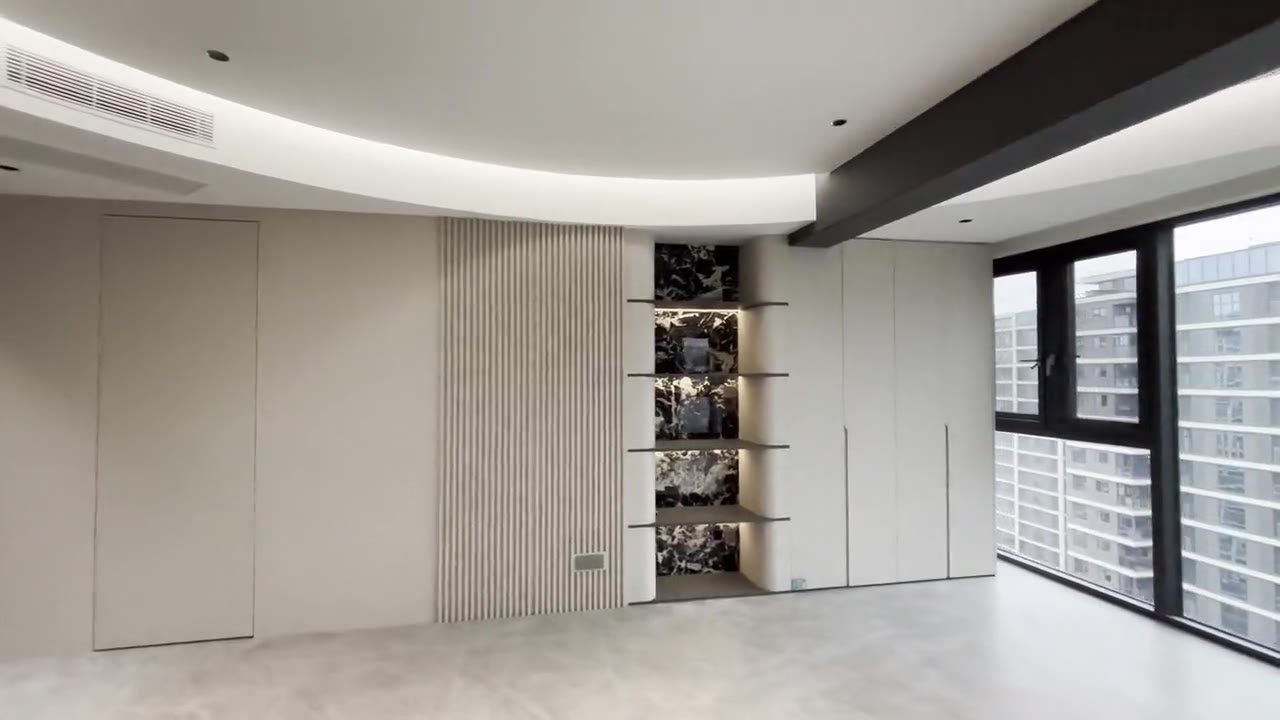
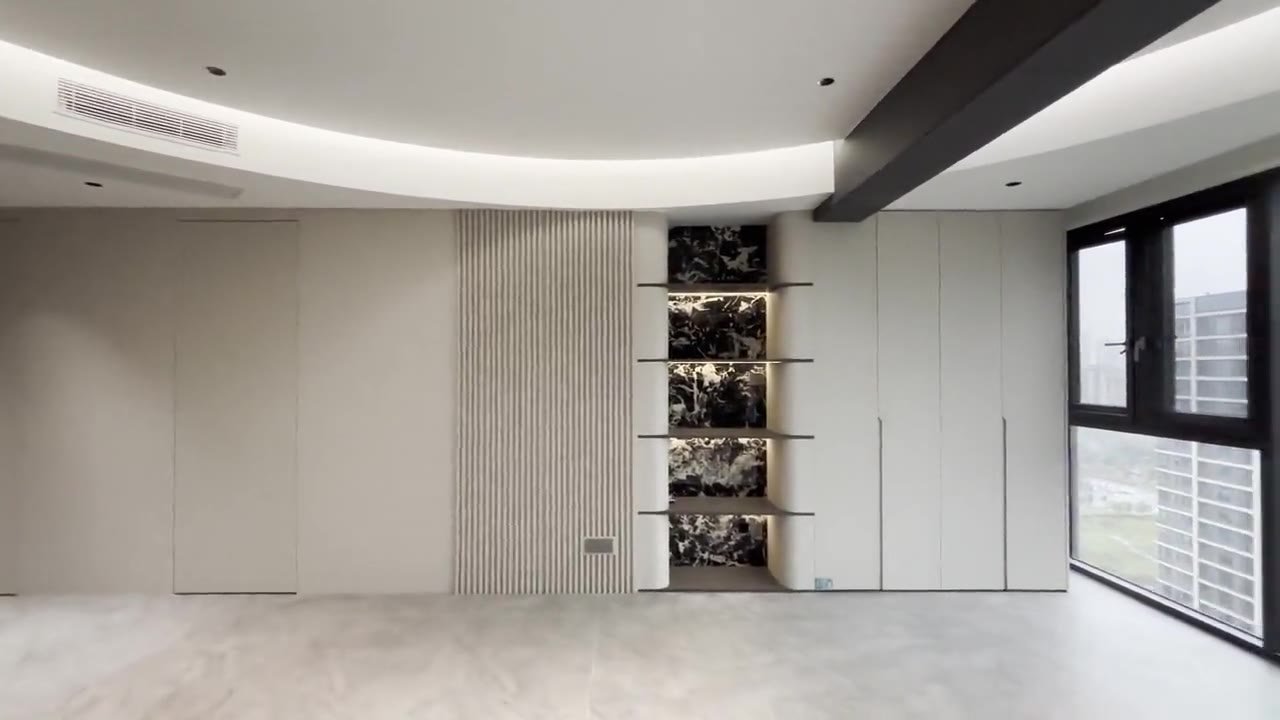
The gallery needs to explain whether the image shows an actual unit, a sample unit, or an illustration. The type, tower and condition of the furniture, if relevant, need to be linked to the correct information. Without explanation, visitors may assume all units have the same views, decorations, or amenities.
Image guide Google addresses visual context and supporting text that aids comprehension. In apartment catalogues, the description of the unit and the illustrative nature of the image clarify the offer, while alternative text describes relevant content without repeating promotional claims. Look Google image SEO best practices from Google Search Central.
As a hypothetical example, the sample studio photo shows furniture that is not part of the standard offering. Captions follow the sales document so readers understand the image boundaries. When displaying a scene, do not connect it to all units without supporting data.
Save usage rights, sources, and documentation dates in case they are useful for updates. Old images can be used if they are representative, but need to be checked as conditions change. Visual selection is not just an aesthetic decision; it influences the expectations that visitors bring when they come to view.
Prepare viewing options that follow team capacity
Viewing requests need to have a recipient and a confirmation process. The choice of date and time helps admins assess availability, but don't mention an exact schedule if the calendar isn't connected or the unit needs to be checked first. Describe the steps after a request is received in a place that is easy to find.
In a hypothetical example, a visitor selects a tower and type and then suggests a time. Admin checks the units that can be shown as well as the available officers before confirming. The website's initial message can carry this option so that users don't have to repeat the entire context when opening the chat.
Provide meeting location information and administrative requirements only from approved procedures. Instructions can be sent after confirmation if more appropriate. Avoid requesting complete personal documents on the initial request form just to schedule a discussion.
The apartment and viewing website needs to be tested from the perspective of new users. Make sure the selected unit is carried over, the recipient number is correct, and the confirmation information is legible. Admins also need guidance on how to handle changing unit options or schedules that can't be met without losing the context of needs.
Give admins a way to propose alternatives when the preferred unit cannot be viewed. In a hypothetical example, visitors still need two rooms but viewing time conflicts with unit usage. Follow-up should maintain initial needs, then explain options and limitations. The website can help with context of type and purpose, while admin confirms alternatives. Don't change units in conversation as if the new choices are identical without explanation.
Limit the form to useful initial data
The form can request general destination, tower or type, preferred time, and contact for reply according to business flow. Each mandatory column needs to have an operational reason. New data required at the transaction stage should follow the next process and not automatically become a requirement for a viewing request.
MDN's responsive design guide describes adapting the interface to a variety of devices. The type, date and contact button options need to be tested on different screens so that visitors can understand and complete the steps without unnecessary difficulties. Look Responsive web design from MDN Web Docs.
As a hypothetical example, a long list of towers is difficult to select on a cell phone if the labels are cut off. The team can improve the order or method of selection, not just reduce the letters. Also test for field errors, back buttons, and conditions where the user has not specified a type.
Record interactions according to observed events. Click viewing, request received, schedule confirmed, and visit executed are different stages. This definition helps marketing and sales assess flow without equating all clicks with potential buyers who have already arrived.
Use prospective residents' questions for updates
Group questions about floor plan, recurring costs, furniture, amenities, and access. Recurring themes may indicate information is not yet available or difficult to find. Admin input needs to be translated into specific page changes, not just the addition of a general FAQ at the bottom.
In a hypothetical example, many visitors ask whether the photo represents the scheduled unit. The improvement could be in the form of linking the gallery to the actual unit type and description. If questions regarding fees continue to arise, review the terms of the offer and its placement before adding new promotional materials.
Use administrative summaries without overly sharing visitors' personal data. Also review requests that are out of scope, such as transaction types or durations that are not available. This information helps clarify offers and campaign targeting.
Maintain apartment website and viewings as a connected journey from catalog to confirmation. Data sources, visual status, and update responsibilities provide a strong foundation. A website can help discussions become more focused, while transaction decisions continue to follow the suitability of the unit and the subsequent sales process.
Test one trip from selecting the type to confirming viewing with the admin. Check that the data, photos, conditions, and time options remain consistent. Use these findings to improve the catalog structure before increasing traffic or expanding the number of units displayed.
Reading to support your decision
- How to Choose a Website Vendor for Business Needs
- Mobile Website Forms: Enough Data, Easy Filling
- Contact Page that Helps Visitors Contact the Business
- Housing Website: Information before Prospective Buyers Survey
Implementation can be customized for Apartment, Office Space, Serviced Apartments.
Discuss implementation needs through services website creation, SEO, or digital advertising management Bravely. The scope of work follows the problem, material readiness and operational flow of your business.
Official sources
- Creating helpful, reliable, people-first content — Google Search Central
- Google image SEO best practices — Google Search Central
- Responsive web design — MDN Web Docs
Practical questions before you start
Does the catalog have to show units per floor?
The need follows the available data and update capabilities. Unit details can be helpful if their status can be maintained. If not, display the type clearly and direct inspection of the actual unit through an agreed confirmation process.
Do all costs have to be shown in one figure?
Not always, especially if the components have different provisions. Explain the scope of published figures and use official sources. Readers need to understand the components that still need to be confirmed so as not to mistake the reference price for the final total.
What if viewing is managed via WhatsApp?
The website can bring the context of the type, tower, and time of choice to the message draft that the user examines. The admin then confirms availability according to business processes. Opening a chat does not automatically become an approved schedule or a visit that takes place.
In this article
- Separate needs for apartment websites and viewing
- Arrange towers, types and unit plans as connected data
- Describe facilities and access based on real conditions
- Include costs and official terms and conditions with the scope
- Select a photo that matches the unit and its display status
- Prepare viewing options that follow team capacity
- Limit the form to useful initial data
- Use prospective residents' questions for updates
- Practical questions before you start