

INSIGHTS / BRAVELY PROJECT
Housing Website: Information before Prospective Buyers Survey
READ WHAT MATTERS TO YOU
Where would you like to start?
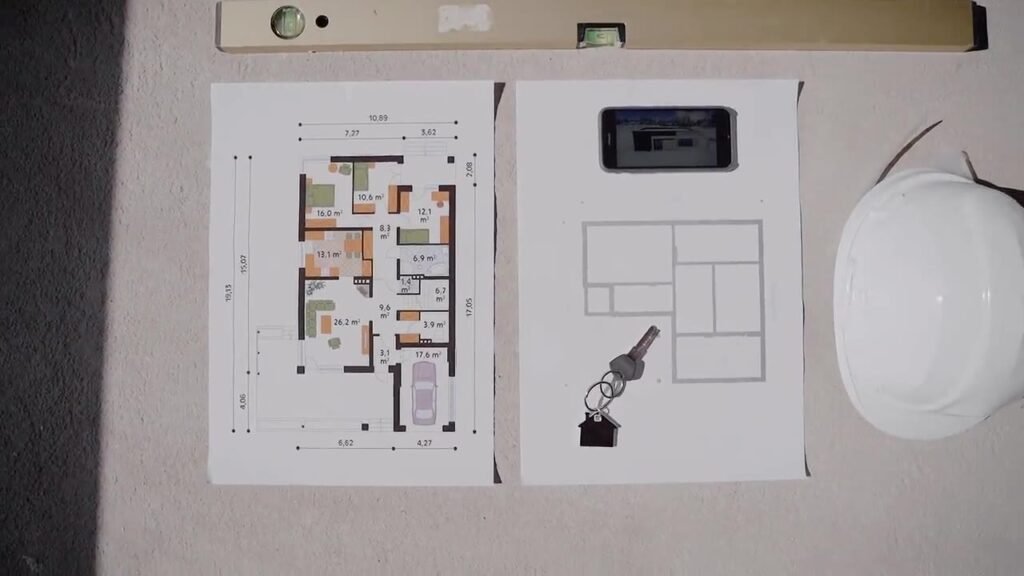
Housing website information needs to help prospective buyers assess suitability before arranging a survey, rather than just inviting them to fill in a phone number. Families compare types, floor plans, access, facilities, and offer status with different daily needs. The website can be a reference that brings together the material, as long as the source and updates are clear. This article discusses how to organize catalogs, visuals, prices, and visit requests so that sales conversations have better context without promising purchasing decisions or financing approvals.
Map housing website information to family needs
Determine the decision groups that appear most frequently before the survey. Prospective residents can think about the amount of space, work access, children's needs, or possible home expansion. These needs help organize information, but don't assume the entire family has the same priorities.
As a hypothetical example, a family working in two different areas wants to understand multiple access options, while another family prioritizes rooms on the ground floor. The project page can provide an overview, then the type catalog provides details that aid comparison. Websites don't need to force all needs through one lifestyle narrative.
The Google useful content guide encourages publishers to provide information that helps readers achieve their goals. On a housing website, that benefit can be the ability to compare types and prepare survey questions, not just lots of promotional sentences. Look Creating helpful, reliable, people-first content from Google Search Central.
Use sales questions as starting material and indicate the source of the answers. Product information comes from the project team, bidding terms from regulatory authorities, and access to verifiable data. Sharing sources reduces the possibility of content adding unapproved details.
Display types, plans and sizes consistently
The catalog needs to differentiate the type name, land area, building area, number of rooms, and applicable variations. Use one data structure so comparisons don't depend on posters with different formats. If the dimensions are reference or subject to change by unit, explain the description according to the official project information.
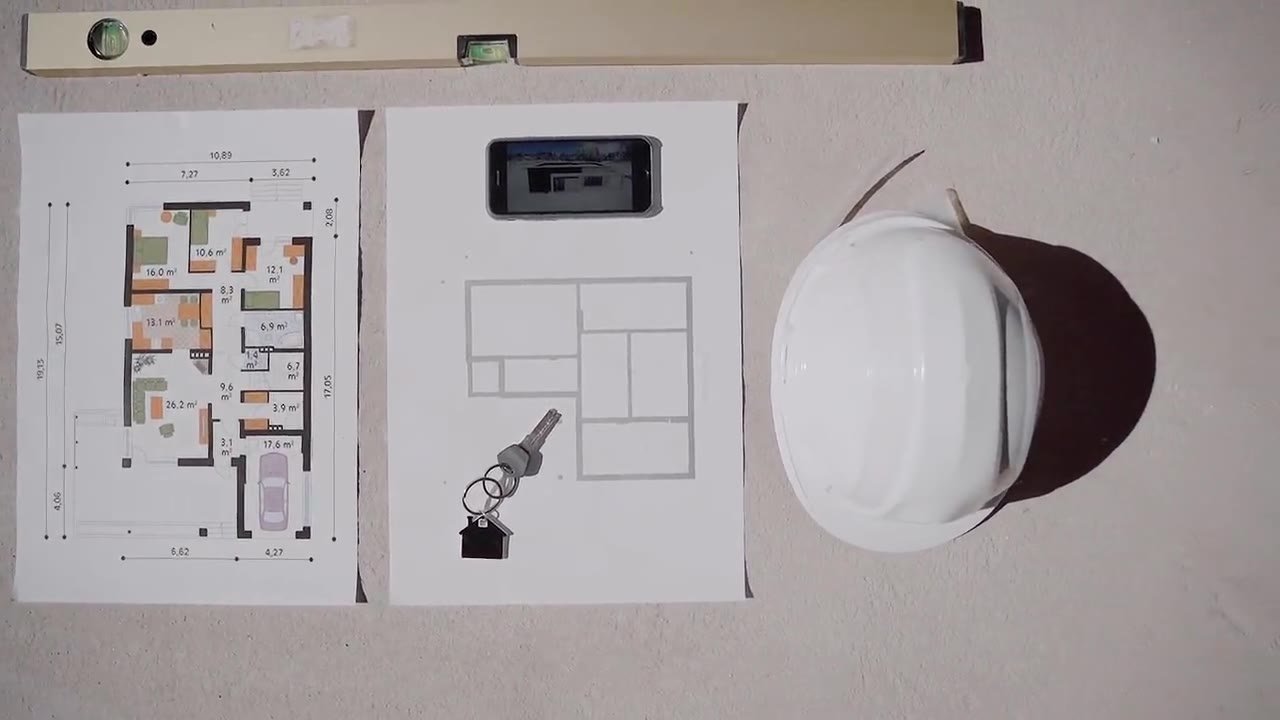
In a hypothetical example, two types have similar building areas but different spatial arrangements. Floor plans help buyers understand options without having to draw conclusions from facade photos. Accompanying text needs to explain the floor plan labels and avoid information that is only legible in small print on the image.
| Catalog data | Validation source | Publication check |
|---|---|---|
| Area and number of rooms | Product or project team | Units, type variations and descriptions according to the document. |
| Floor plan | Project approved documents | Labels are legible and versions are not mixed up. |
| Specifications | Applicable official list | Distinguish between standard conditions and additional options. |
Consider type comparison if the data is consistent. This feature does not help if one type uses different details than another. Also check the unit name on the form so that the visitor's choices still match the catalog being viewed.
Describe access and facilities without excessive comparisons
Access information should address relevant routes and destinations, on a verifiable basis. Avoid promising travel times that are considered fixed when road conditions and modes are different. If showing estimates, explain the context and don't make it a certainty for all trips.
As a hypothetical example, the website shows some access to work areas and public transportation. Information can help prospective residents plan a survey at a convenient time. The most strategic claims without explanation are more difficult to use for decisions than maps and clear path information.
Separate facilities that are available, under development, and still in the form of plans according to documents that may be published. Don't place everything in a gallery without explanation so that readers think all the facilities can be used. The project team needs to agree on the status and updates.
Present your surroundings with proper identity. Facilities outside the area must not appear to be owned by the developer. Descriptions of distance, access, and location relationships need to follow the reviewable material, while changes in surrounding conditions are reasons to review the content.
Check for consistency between project pages and types before asking readers to schedule a survey. As a hypothetical example, the project page displays planned facilities, whereas the type page does not provide status information. Readers can assume that these facilities are available in all units. Status records need to be in the right context, so that the information is not only correct in one place but remains understandable throughout the catalog journey.
Separate reference prices from confirmed offers
Prices may depend on the type, position of the unit, payment terms, as well as the offer period. The website needs to explain the scope of the published figures and direct detailed discussion to sales. Avoid using initial numbers without explanation which will cause readers to misunderstand the total liability.
In a hypothetical example, the material mentions the starting price for a particular type. The page needs to relate it to the type in question and the conditions that apply, rather than displaying the number on all units. Additional components and promotion terms follow the official documents reviewed by the offer owner.
Financing also requires clear boundaries. Simulations where available are not endorsements, and compliance cannot be assumed from marketing content. Don't promise that all visitors will definitely get financing or simplify the assessment process from the authorities.
Set how to update when prices or promotions change. Pages, PDFs, ads, and message drafts can save different versions. Public point inventory helps teams avoid incoming contacts expecting outdated offers that are no longer valid.
Update unit status as well as project material sources
Availability status must follow the source agreed with sales and the project team. If the website is not yet connected to inventory, explain that availability needs to be confirmed. Don't display the status as if it was updated directly when the process is still manual and has no owner.
As a hypothetical example, a unit is in the process of being ordered but has not yet changed to the catalog. Visitors may submit questions that are no longer appropriate. Update procedures need to determine what statuses can be displayed and when information needs to be checked before being used in a campaign.
Use the document identity or version date for plans, specifications, and brochures. Changes to one document can affect multiple pages. Make a note of that connection so the team doesn't just replace the downloaded file but leaves the old floor plan image in the catalog or article.
Housing website information also requires an editorial owner. The marketing team can manage the page, but product validation and availability needs to come from an authoritative source. A clear approval flow helps the website remain useful after launch, when materials and stock continue to change.
Provide information on project visuals and example houses
Visuals can help imagine the space, but the type of image must be clear. Distinguish between unit documentation, model homes, recent acquisition results, and design illustrations. Readers should not guess whether visible interiors, landscaping or fixtures are included in the offering.
Image guide Google emphasizes context that helps understand visuals. In property projects, descriptions of the type, area, and illustrative nature of the image provide important context, while alternative text explains relevant content without adding subtle claims. Look Google image SEO best practices from Google Search Central.
In the hypothetical example, the photo of the model home shows additional decorations and furniture. The description needs to follow the actual offer and explain the developer's agreed limits. Photos of material details must also match the applicable version of the specifications, not just images with a similar appearance.
Check usage rights and documentation permissions before publication. Visuals of the surrounding area, visible people, or materials from other parties may require additional inspection. Save the source and asset status so that image replacement does not break the connection between visual evidence and product information.
Prepare a list of questions that potential buyers can take with them during the survey. As a hypothetical example, the reader wants to check the relationship between the floor plan and the condition of the sample unit, standard specifications, and offer components. This list helps make visits more focused without taking over sales explanations. The website can provide an introduction and official source, while details requiring site inspection remain confirmed through the project process.
Prepare a survey schedule form with sufficient context
The initial form is enough to help sales find out the project or type they are interested in, the range of needs, and preferred visit times. Identity information that is not yet required can be collected through the next process if necessary. The initial goal is to organize discussions and surveys, not complete all purchasing administration.
Google Ads explains the importance of a relevant and useful landing page after the click. Advertisements for certain types of homes should take users to appropriate information and easy-to-understand survey actions, so they don't have to search for offers on the website again. Look Optimize your ads and landing pages from Google Ads Help.
As a hypothetical example, the button on the home type brings the type name to the question draft. Users still check and send messages themselves. The selected schedule is a request, then sales confirms availability and location instructions through the applicable operational flow.
Make sure the recipient number matches the project and backup contacts are available if necessary. Test the form on mobile, including long type names, fill-in-the-blanks, and date changes. Reporting of contact clicks needs to be differentiated from confirmed visits or actually completed surveys.
Use sales questions to improve content
Review question themes that still recur after visitors read the website. If plans are difficult to compare, correct the catalogue; if many people think the facility is complete, clarify the status. Sales input helps uncover information problems that aren't already apparent from visit numbers alone.
In a hypothetical example, potential buyers often ask whether the photo shows the type selected. These findings lead to gallery descriptions and the relationship between photos and catalogues. Adding advertising will not necessarily resolve any confusion stemming from the presentation of the material.
Use summaries without oversharing the prospect's personal data. Group the reasons why the needs don't match, such as type, region, or time. A definition of contact quality needs to be agreed so that evaluation does not only depend on the number of chats opened.
Maintain housing website information as a reference for working with marketing, sales and projects. When the source, updates, and survey path are clear, a website can help the conversation be more specific. Sales results still depend on the suitability of the product and subsequent processes, so it cannot be promised from page changes alone.
Starting from the type catalog and questions most frequently received by sales. Determine the source of each answer and the owner of the update, then test drive to the survey request. This basic clarity makes the website more helpful without relying on uncertain purchase promises.
Reading to support your decision
- Prepare a Website Brief so that the Proposal is More Precise
- B2B Website Structure to Facilitate Quote Requests
- Advertising Messages and Landing Pages: Avoiding Context Disconnects
- Writing Agency Case Studies with Verifiable Evidence
Implementation can be customized for Landed House Housing, Luxury Home, Subsidized Housing.
Discuss implementation needs through services website creation, SEO, or digital advertising management Bravely. The scope of work follows the problem, material readiness and operational flow of your business.
Official sources
- Creating helpful, reliable, people-first content — Google Search Central
- Google image SEO best practices — Google Search Central
- Optimize your ads and landing pages — Google Ads Help
Practical questions before you start
Does the website have to display all stock units?
Not always. Select a level of granularity that can be maintained from the available inventory sources. If the update is not immediate, explain that availability needs to be confirmed and assign the owner a check before the information is used in the campaign.
Are photos of sample homes enough for a catalogue?
Photos can be helpful if the types and types are clear, but catalogs also require floor plans and size information. Describe elements that are illustrative or additional according to the official offer so that readers do not assume everything seen is included in the unit.
What is the appropriate initial data for a survey request?
The project or type of interest, context of need, timing options, and contacts that can be used for confirmation are usually more relevant than complete purchasing documents. The following details follow the actual sales process and administrative needs.
In this article
- Map housing website information to family needs
- Display types, plans and sizes consistently
- Describe access and facilities without excessive comparisons
- Separate reference prices from confirmed offers
- Update unit status as well as project material sources
- Provide information on project visuals and example houses
- Prepare a survey schedule form with sufficient context
- Use sales questions to improve content
- Practical questions before you start