
INSIGHTS / BRAVELY PROJECT
Spare Parts Catalog: Product Codes and Vehicle Compatibility
READ WHAT MATTERS TO YOU
Where would you like to start?
Automotive parts catalogs need to help buyers identify components and check compatibility before proceeding with the transaction. The item name and photo are not enough if the code, vehicle model, year or supported variant is not clear. Identification errors can also make admins repeat checks that could have started from catalog information. This guide discusses data structures, visuals, search, and confirmation paths based on the documents available in your business. Its contents do not replace a technical inspection or constitute a guarantee that a component is suitable for all vehicles referred to generally in the offering materials.
Set product code and catalog identity: automotive spare parts catalog
Create a clear relationship between internal store codes, codes listed on products, brands, and component names. Don't lump everything into one long, hard-to-read title. Each field needs to have a source and writing rules, including dividing marks which are part of the identity. If there are multiple reference codes, explain their meaning from the confirmed documents. Visitors need to know which codes can be used to ask questions, while managers can update prices or stock without creating new entries for the same item.
As a hypothetical example, the admin receives a photo of a label and matches it to the code in the catalog. Consistent identities make it easier to search, whereas abbreviated names without definitions can lead to false matches. Information on condition and product category also needs to be separated from claims of authenticity. Do not add official, original or equivalent terms based on assumptions to the packaging form. Marketing materials follow proof of offers that the business can confirm. If sources are inadequate, clarify the need for pre-transaction checks rather than creating labels that provide greater confidence than the available data.
Describe supported models, years, and variants
The vehicle listing needs to be detailed enough to show the limits of the information the shop has. General models may have relevant differences according to specific years, variants or configurations. Don't claim one component is suitable for all versions just because the vehicle name is the same. Use categories from vetted sources, and highlight sections that still need confirmation. The author should not conclude compatibility from the similarity of photos or unclear supplier descriptions, because these data can influence purchasing decisions and the need for checks by technical parties.
As a hypothetical example, a potential buyer knows the model name but does not yet understand the variant. Pages can request initial information for follow-up checks without automatically declaring a match. Organize the details in a format that's easy to scan on your phone, rather than long paragraphs containing lots of vehicle names. If complete data is not yet available, display the boundaries clearly. Automotive spare parts catalogs can still help with product identification, label photos, and confirmation lines, without imposing compatibility lists that appear extensive but have no basis for what can be demonstrated when asked by buyers.
Identity usability checks and suitability explanations can follow the framework in Creating helpful, reliable, people-first content from Google Search Central. For spare parts, prioritize data that answers buyers' questions and explains confirmation limits, not adding to the list of vehicles that have no source.
Verify suitability of available documents
Determine who checks information from suppliers, product catalogs, or technical documents that the business holds. Note the version and source so that corrections can be traced. Don't create relationships between codes just to increase the chances of being discovered through search. If substitute or cross-reference products are offered, the description must follow the data confirmed by the relevant party. The website provides this information, but does not take over technical assessments of vehicle condition or installation decisions that require further inspection outside the marketing process.
As a hypothetical example, a supplier updates code and explains the relationship to a previous product. The catalog team needs to know whether the change is just identity or also affects the scope of the offering. Don't delete old records without considering questions from customers who still use the previous code. Create a review flow before new information is published. If the document should not be made public, keep a summary of what has been permitted and explain how to request confirmation. Clear internal evidence helps admins answer questions without fabricating certainties based on memory or copies of old conversations.
Provide searches and filters that follow the way people ask questions
Visitors can start from the code, component name, or vehicle model. Search should support the identities actually used in the catalog data. The filter must have a consistent base; Empty or overlapping categories can make items appear missing. Don't add many choices if the attributes have not been filled in neatly. Start with a few key tasks that admins frequently receive, then test whether the results show relevant products and compatibility limits without forcing users to guess internal store terms to find items.
As a hypothetical example, code searches with common spelling variations need to be reviewed by the administrator, rather than automatically being concluded as a different item. For vehicle filters, make sure the selection does not give the impression of a definite match when the data still requires confirmation. Search results can show identity summaries as well as detailed links. When there are no results, provide clear question steps. Don't direct all empty searches to unrelated popular products as this can lead users to interpret recommendations as technical answers to their vehicle component needs.
Use photos of labels and relevant physical details
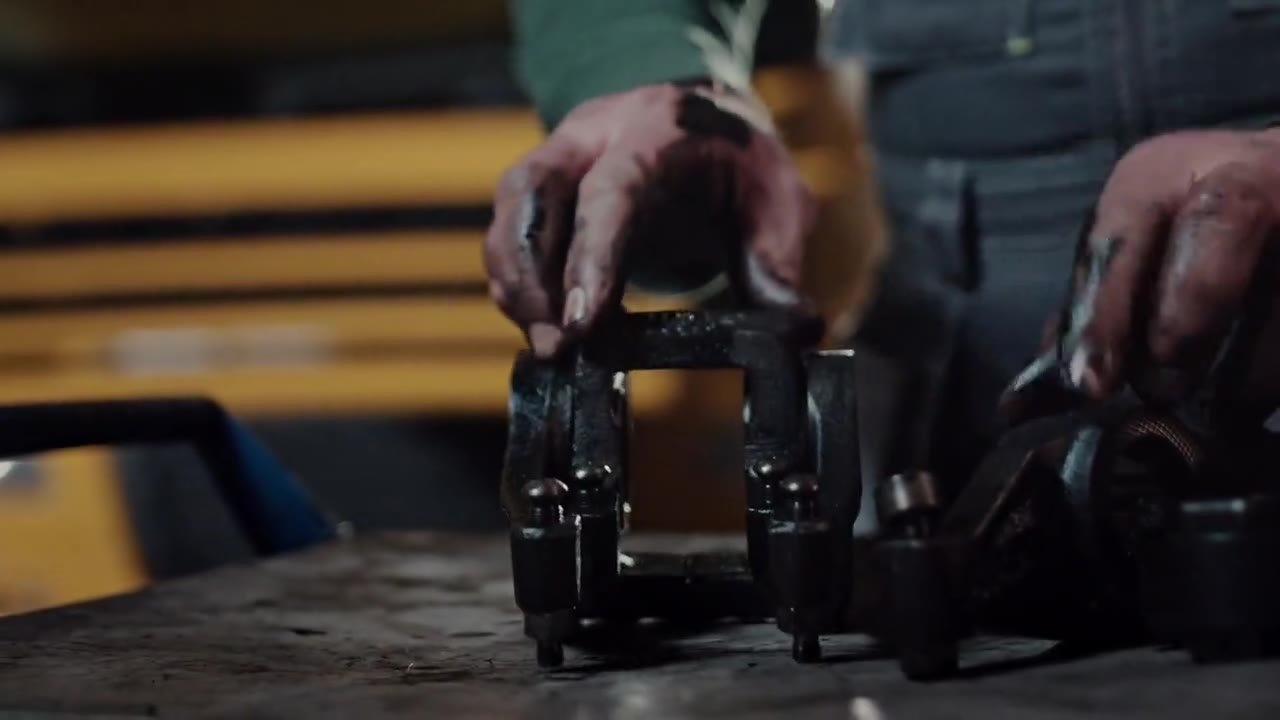
Overall photos help with identification, while labels, connectors, or other details can help with identification according to item category. Use assets that have usage rights and truly represent the product. If the image is an illustration, provide clear context. Do not use photos of similar components from other variants without explanation. Seemingly small differences can be relevant to a buyer's questions, so the visual sequence needs to be reviewed by someone familiar with the offering. Important identifying information remains written as text so it can be read without enlarging the label image at each visit.
As a hypothetical example, the packaging changes but the product identity still needs to be matched to the applicable source. Galleries and captions can explain store-confirmed conditions without making assumptions about the authenticity of the packaging design. Alt text explains the image naturally, rather than piling on invisible code. The right photos support admin conversations when buyers refer to specific details. Also check that the variation image follows the user's selection so that the product displayed does not differ from the identity carried over to the cart or inquiry message in the next step.
Presentation of photos of labels and component details can be checked via Google image SEO best practices from Google Search Central. Apply the principles of visual context and alt text to enable images to support correct product identification, without treating photo similarity as evidence of technical suitability.
Explain the conditions, guarantees and terms of the transaction
Item condition information needs to be consistent with the actual offer. Descriptions of new, used, or other categories follow the data examined, not guesses from the display. Warranties and related policies must come from the official provisions of the business or party that provides them. Do not add coverage or replacement promises that have not been approved. A summary can be displayed near the transaction action, with easy-to-find details links. Buyers need to know the process limits before continuing, while admins use the same reference when receiving questions after purchase.
As a hypothetical example, a category has a checking requirement before installation. Write from confirmed procedures, without creating new technical instructions on behalf of the shop. The need for transaction documents or asking questions also needs to follow the official process. Price and stock should be tied to the right product identity, with manageable updates. If the offer still needs to be confirmed, don't make the button appear as if the purchase is definitely complete or the item is immediately available. This clarity helps prevent misunderstandings without promising technical results from the installation of the components offered.
Create a check line before purchasing
The form or initial message may carry the product code, the vehicle the buyer mentioned, as well as compatibility questions. Limit personal data to proportional needs. If photos or documents are required, determine the path and recipient through store procedures. Don't ask for extensive vehicle identification details just because it's easy to add columns. Officers need to have a list of follow-up questions and a limit of answers that can be given from the initial information. When technical checks are required, direct them to the process rather than deducing all requirements are completed just from marketing forms.
As a hypothetical example, a user is not yet sure between two similar codes. Messages can mention both and ask for checking guidance from the clerk, without automatically selecting a product to purchase. If opening WhatsApp, the user still checks the draft and decides on sending. Clicks are not proof that an inquiry was received or a transaction occurred. Also test product selection changes before sending so that the final correct identity is carried over. The admin's response should read the context, not repeat all the questions the user has answered on the previous page or form.
If the filter address produces multiple versions of the same page, the technical implementer can refer to it How to specify a canonical URL from Google Search Central. These settings need to follow the content identity; do not combine different products just because the name or image looks similar when the technical basis has not been confirmed.
Maintain revision of product page data and addresses
Determine the update owner for code, compatibility, photos, stock, and conditions. Proofreaders need to note the source so that erroneous information does not reappear from old imports or copies. If one product appears through multiple filter addresses, the technical implementer needs to organize the page representation according to the site structure. Don't create different pages for code that is really just writing variations without the context of the new offering. Address and link settings help visitors and search engines understand the catalog, while product identity decisions still come from confirmed business data.
Evaluate the automotive parts catalog through failed searches, compatibility questions, and data that most frequently needs to be completed. Product clicks, inquiries, and orders are different stages. If many buyers misunderstand variant support, refine the details before expanding the promotion. Marketing data does not prove technical compatibility, but it can show confusing information. With a clear source and review process, both SEO and campaigns can be directed to the right offer without promising complete matches, install results, or specific sales from website visits alone.
As an example of a catalog management decision, two entries have almost the same photo but the code and variant support are unclear. Don't immediately merge pages just to tidy up your search. The person in charge first checks the supplier's documents and determines whether they are the same item, a confirmed substitute, or a different component. The results of the inspection determine the title, link relationships, as well as the need for separate pages. If sources are inadequate, maintain verifiable identification and refer the check to an officer. This decision ensures that improvements to SEO do not change the technical relationships of the products based on visual similarities or spelling variations alone.
Discuss how it applies to your business
Start an audit of some products that frequently raise code or compatibility questions. Match identity, source compatibility, photos, conditions, and search behavior with the data the store has. Separate information corrections from technical decisions that require review. The result can be a catalog development, search optimization or campaign brief, with a priority on being able to help buyers ask the right questions before the transaction and helping admins manage updates without losing source context.
Bravely can help organize business website, plan SEO, and managing digital advertising based on information readiness and your team's response path. Scope discussions follow needs, without promises of specific rankings, leads, or sales.
Related implementations are available at Electronics Store, Automotive Parts, Industrial Component Distributor.
Related reading: Checkout-Free Product Catalogs: When is It Right for Business?; SEO E-commerce Category: Filters, Variations, and URLs; SEO B2B Industry: From Product Specifications to RFQ Requests; Manufacturing Website: Datasheet, Capabilities, and RFQ.
Practical questions before you start
Is the vehicle model name enough to ensure compatibility?
Not always. The information required follows the components and data sources. Variants or other details may need to be checked by someone familiar with the offering.
Can photos be proof of compatibility?
Photos aid identification, but do not replace necessary paperwork and inspections. Don't conclude compatibility just from similarity in shape.
What if the code changes?
Note the source of the change as well as its relationship to the old confirmed identity. Review the catalog and inquiry route so that buyers who are still using the previous code can be dealt with clearly.
Does this guide provide installation instructions?
No. The article discusses catalog information and marketing flow. Condition, suitability and installation checks follow competent parties and related processes.
In this article
- Set product code and catalog identity: automotive spare parts catalog
- Describe supported models, years, and variants
- Verify suitability of available documents
- Provide searches and filters that follow the way people ask questions
- Use photos of labels and relevant physical details
- Explain the conditions, guarantees and terms of the transaction
- Create a check line before purchasing
- Maintain revision of product page data and addresses
- Discuss how it applies to your business
- References
- Practical questions before you start